Why I Finally Ditched Photoshop for My YouTube Thumbnails
The Content Creator's Nightmare
If you make videos for a living, you know the drill. You spend forty hours shooting and editing a masterpiece. Then, you spend another five hours staring at a blank Photoshop canvas trying to make a clickable thumbnail. It sucks. I am completely terrible at Photoshop, to be honest. But a new tool just dropped that completely changes the game for creators.
Artlist just released Nano Banana Pro, and it might be the most accurate image generator I have ever used.
The Studio to Beach Pipeline
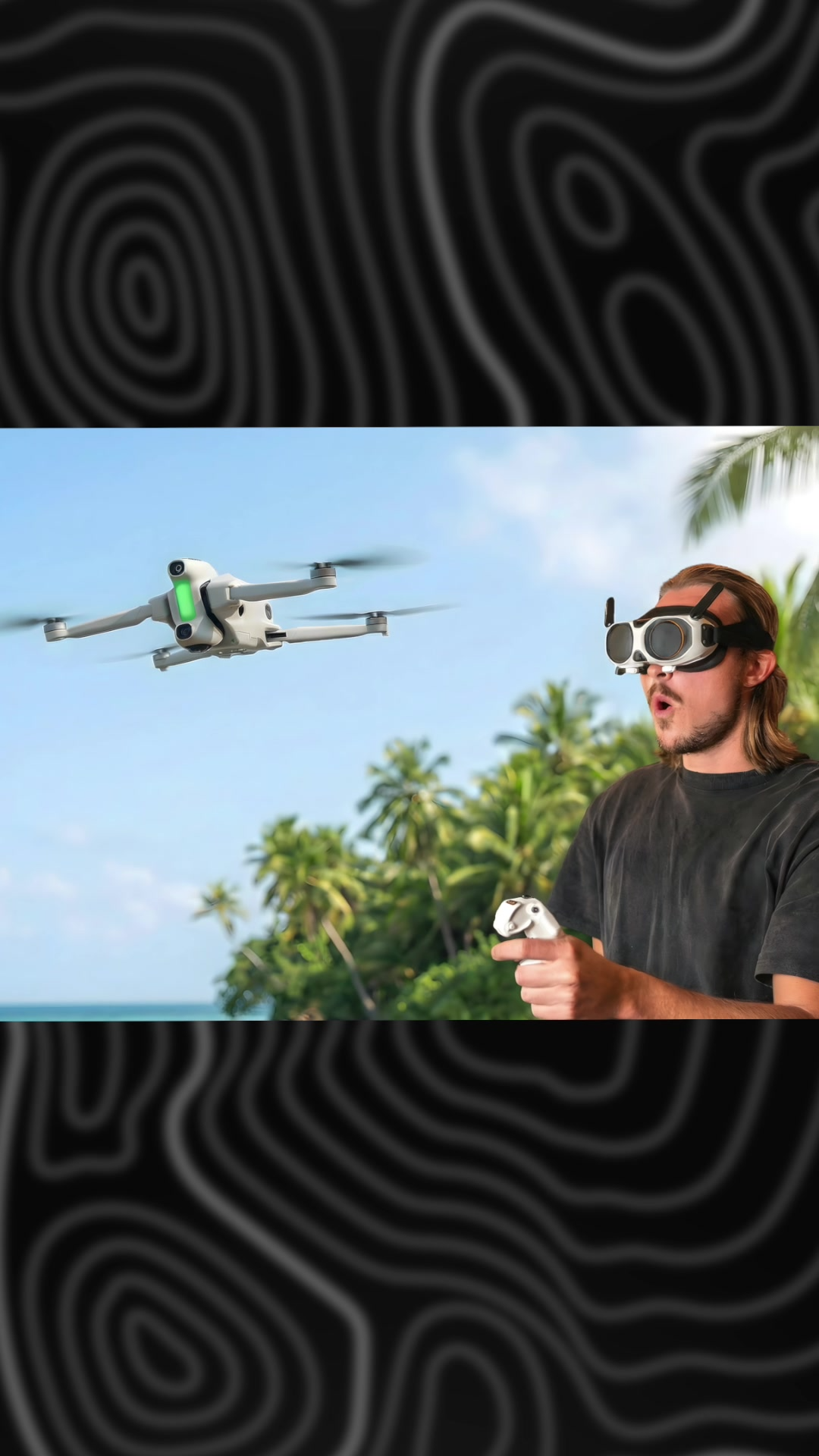
I recently went out to test a brand new drone on a beach. The problem? I didn't actually shoot a proper thumbnail photo while I was out on location. Usually, that means a botched upload or a nightmare session of cutting and pasting layers. Instead, I used Nano Banana Pro's image-to-image feature to fix it in seconds.
I took two completely unrelated source images. The first was a shot of me inside my studio wearing FPV goggles, looking surprised. The second was a standalone product shot of the drone flying over some desert rocks.
I uploaded both into the Artlist AI interface. I gave it a simple prompt: add the drone from the first image to the second one, stand me on the right side of the image, and change the background to a tropical island environment.
The result? Insane.
The software automatically masked out my studio background, matched the lighting perfectly, and dropped me onto a beautiful tropical beach next to the drone. The product consistency is what blew me away. Usually, AI warps the tech details, but the drone looks exactly like it does in real life.
Work Smarter, Not Harder
Life is too short to spend hours fighting with layers and selection tools. If you want to try this out and save yourself a ton of frustration, Artlist is running a holiday sale right now where you can get up to 40% off their AI Suite. It is an absolute game-changer for staying efficient.